
BLOCKSKYE CAPTURE MOBILE APP
Automated expenses with personal rewards
Built for business travelers who want to earn rewards. Pay on-trip with your own card, quickly confirm suggested expenses, and keep building your elite status.
ABOUT THE APP
Business expenses on your card, without the paperwork
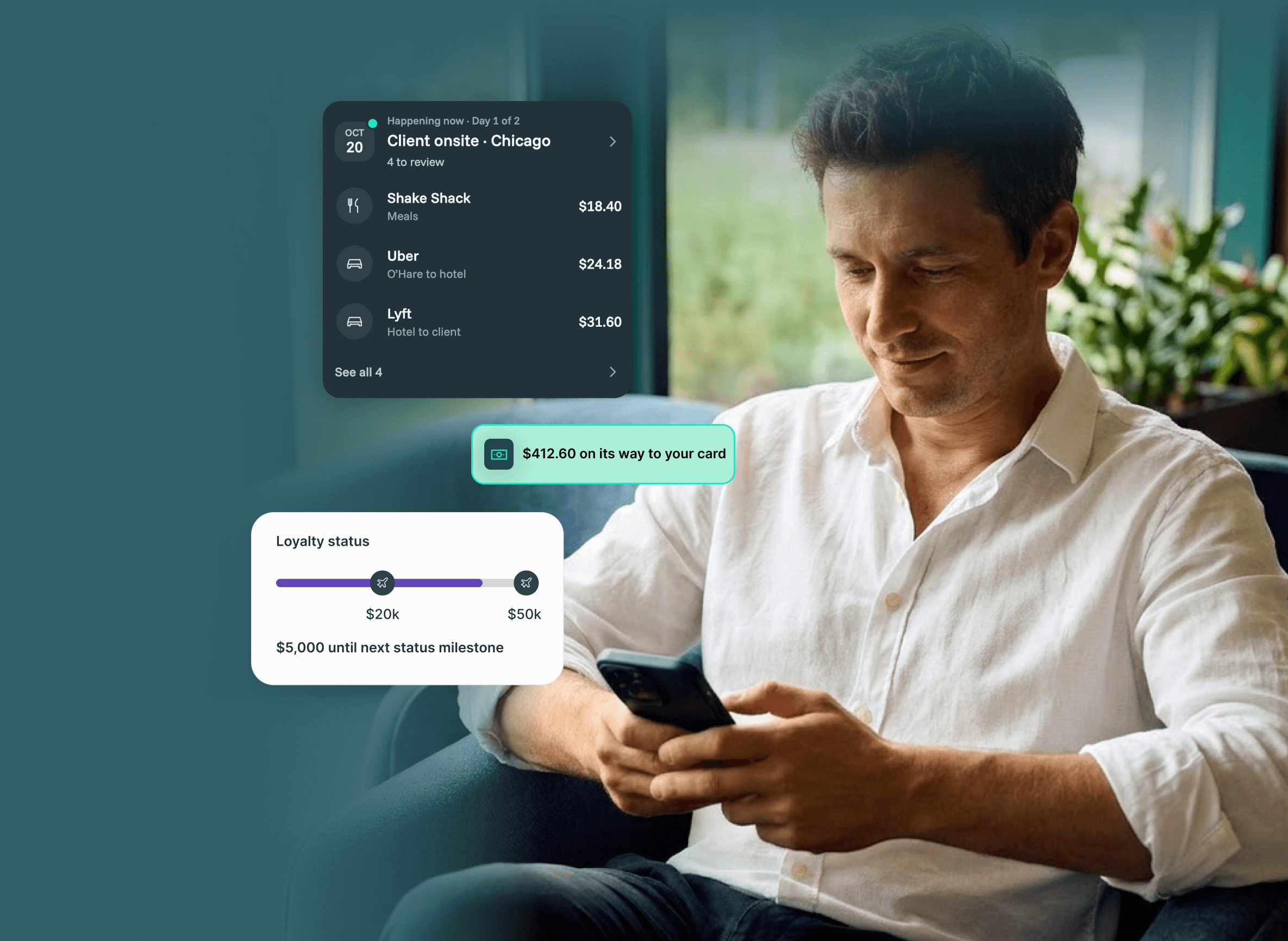
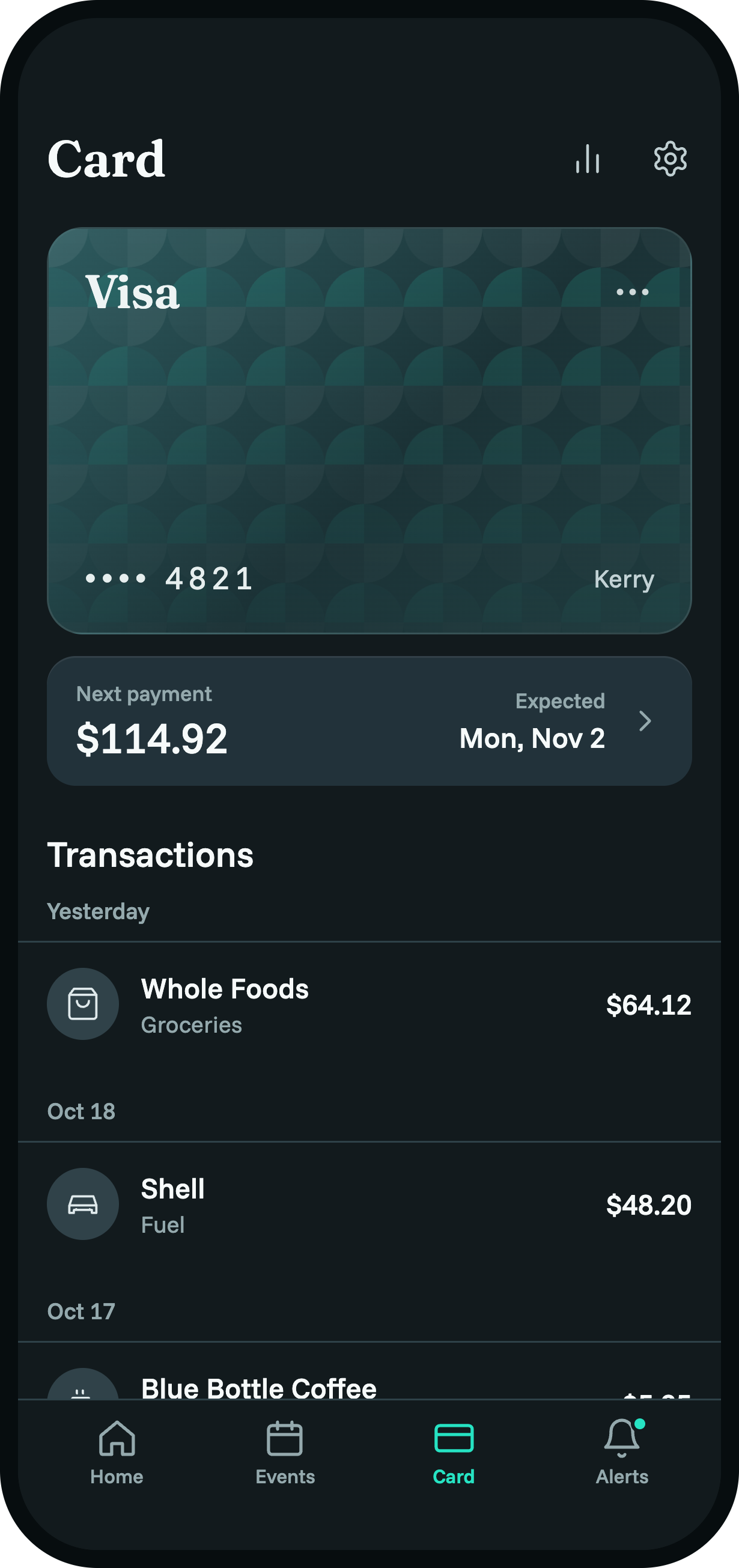
Pay for on-trip expenses with the loyalty card you already use, so you get points and miles for the flight, hotel, and dinner.
Earn more points on business trips
Transactions found and expensed for you
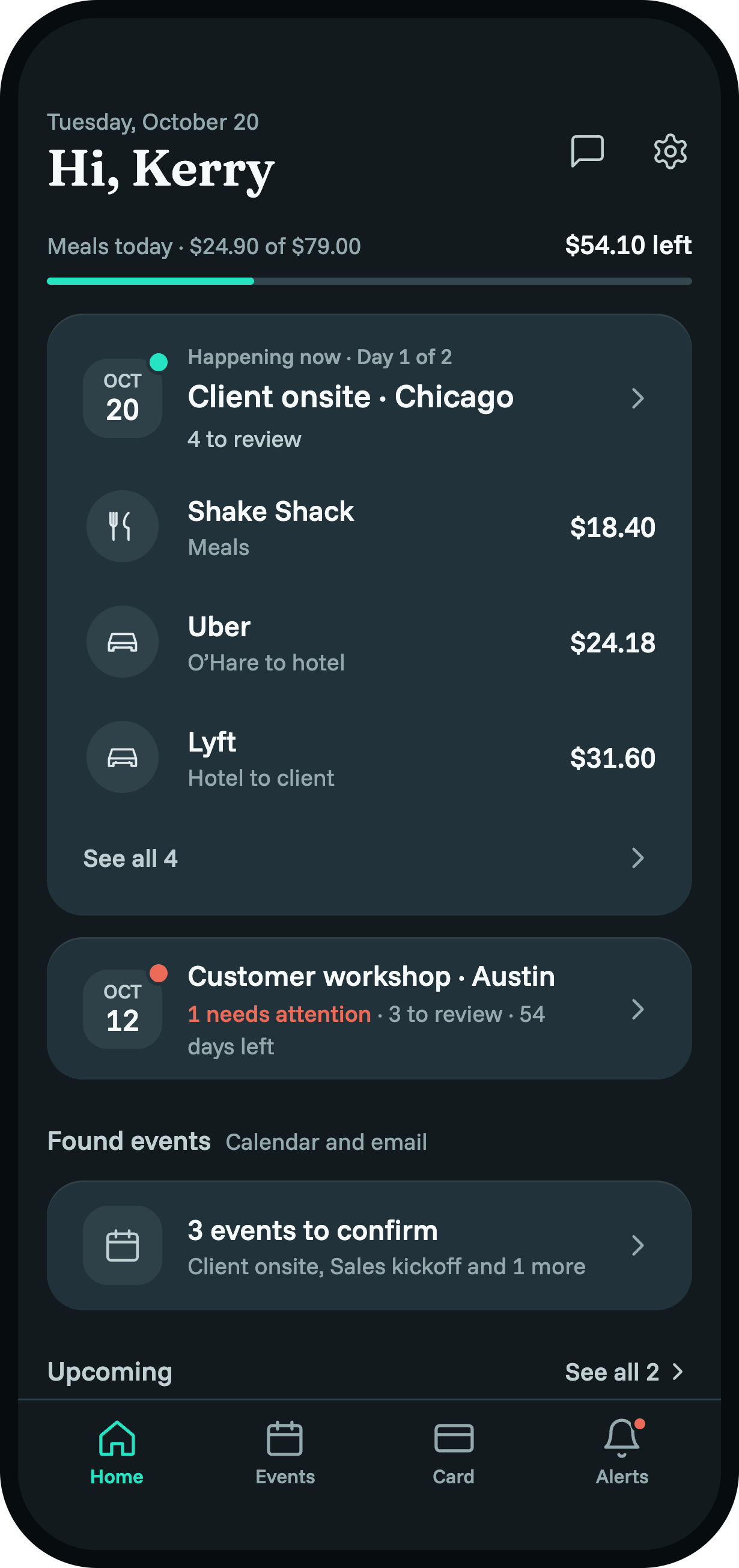
Capture spots the charges that belong to your trip and turns them into expenses with your company's policy already applied.
Handle expenses from your phone in the moment, instead of piecing together a report weeks later.
Done before you get home

HOW IT WORKS
Three steps from spend to paid
-

Connect your card
Add your personal loyalty card to the app. You stay in control of what you share, and only the expenses you approve are submitted.
-

Capture your trip
Trips booked through your company's booking tool show up automatically. Connect your Google Calendar to detect trips booked elsewhere.
-

Confirm and submit
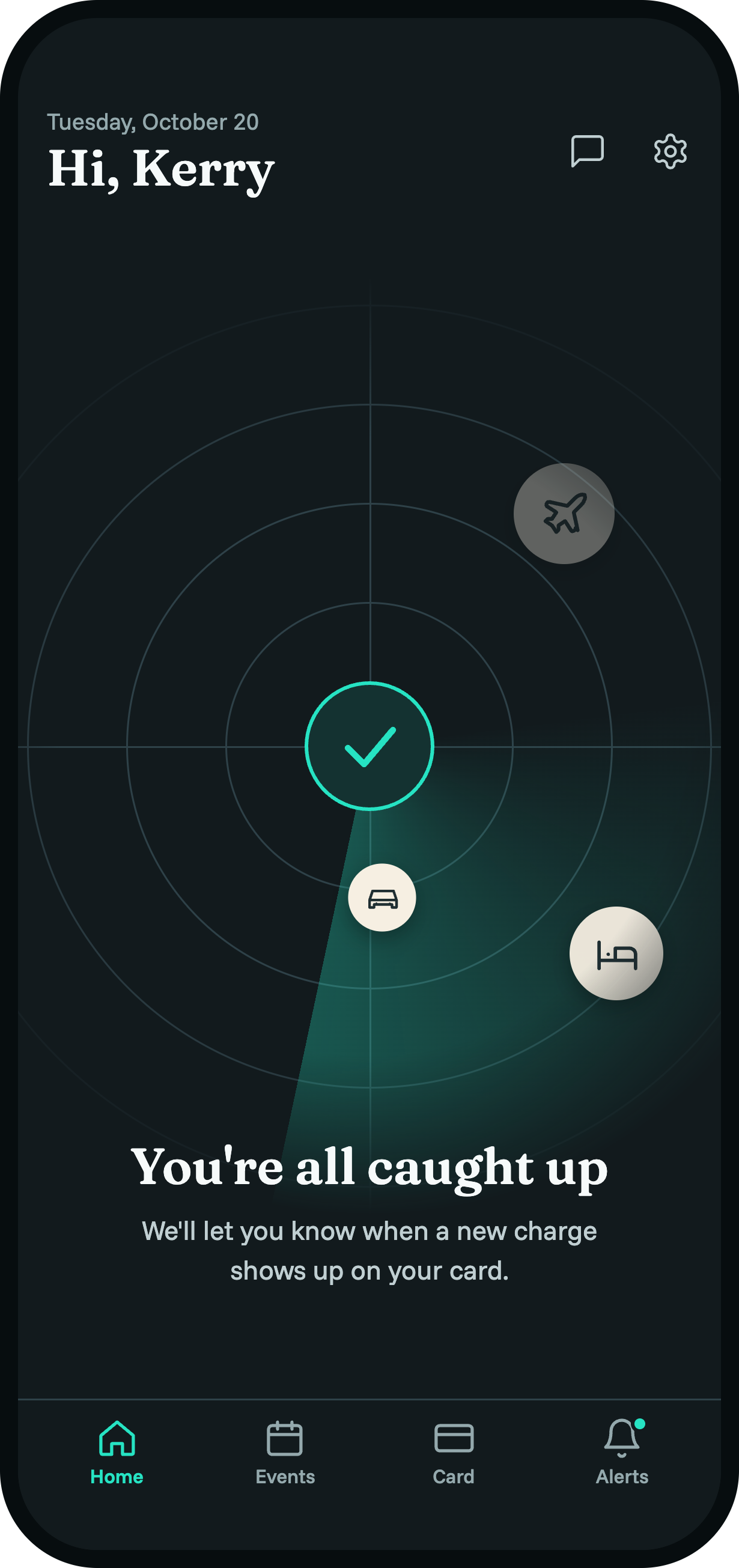
When an expense shows up, you get a notification. Check it, tap to confirm, and send it for payment.
Frequently asked questions
-
Blockskye Capture is a mobile app for Android and iOS that tracks your business trips and automates expenses on your personal reward card. It finds your trip expenses, lines them up with your trip, and lets you submit them for payment from your phone.
-
Blockskye Capture is designed for business travelers. It is currently in pilot, with a full public release coming in 2027.
-
Companies can register their interest on our contact page, and we'll be in touch.
-
Yes. You pay with your own personal reward card, so you keep every point you earn.
-
No. You choose to connect your card, and you only approve and submit the specific expenses you want reimbursed. Only approved expenses are submitted to your company.
-
When an expense shows up, you get a notification. Check it, tap to confirm, and send it for payment.
-
Your company sets up how you are paid back: to a card or bank account.
-
No. Connecting your Google Calendar is optional. Capture already knows about trips booked through your company's booking tool. Your calendar only helps Capture detect trips you booked somewhere else.
-
If you choose to connect your Google Calendar, Blockskye Capture reads your calendar events, with read-only access, to detect business trips that weren't booked through your employer's booking tool. Capture looks for travel events such as flights, trains, hotels and car rentals, and groups them into suggested trips. You confirm or dismiss each one, and confirmed trips are used to organize your business expenses.
Capture never reads your email and never creates or changes calendar events. We don't sell your Google data, use it for advertising, or share it with third parties, except with the service providers that host Capture and as required by law.
Blockskye Capture's use and transfer to any other app of information received from Google APIs will adhere to the Google API Services User Data Policy, including the Limited Use requirements. For details, see our Privacy Policy.
-
You can see your suggested and confirmed trips in the Capture app. Your employer's Capture administrators can see the trips you confirm and the expenses attached to them. They can't see your calendar.
-
You can disconnect at any time in Capture's settings, or remove Capture's access from your Google Account permissions page. When you disconnect, Capture deletes your calendar credentials and removes the travel events it detected. Confirmed trips and their expenses are kept as part of your expense records.